

Waiting for recorded task
CERES: Capturing Egocentric Recordings with Ease and Speed
Directed egocentric capture for Meta Quest
Until now, capturing the kind of high-quality egocentric motion data and hand poses that physical AI depends on required sophisticated and costly equipment. CERES turns commodity VR headsets into a research-grade utility for capturing egocentric video and hand motion at high speed and resolution. The browser-first capture system keeps every accepted recording aligned for export as LeRobotDataset v3-compatible episodes.
Robotics ready.
CERES was designed for robotics. The high-resolution manipulation data can support retargeting to arbitrary embodiments. Hand pose, head pose and capture data are emitted in a robotics-ready format, ready for retargeting, policy learning or other downstream applications.
Waiting for trajectory
Waiting for trajectory
From headset to dataset in minutes.
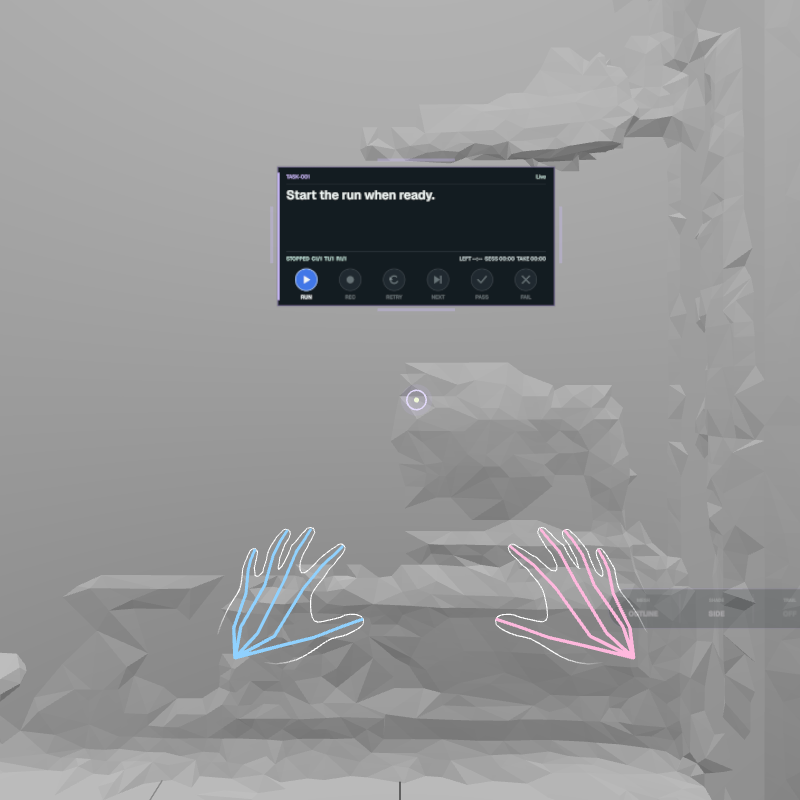
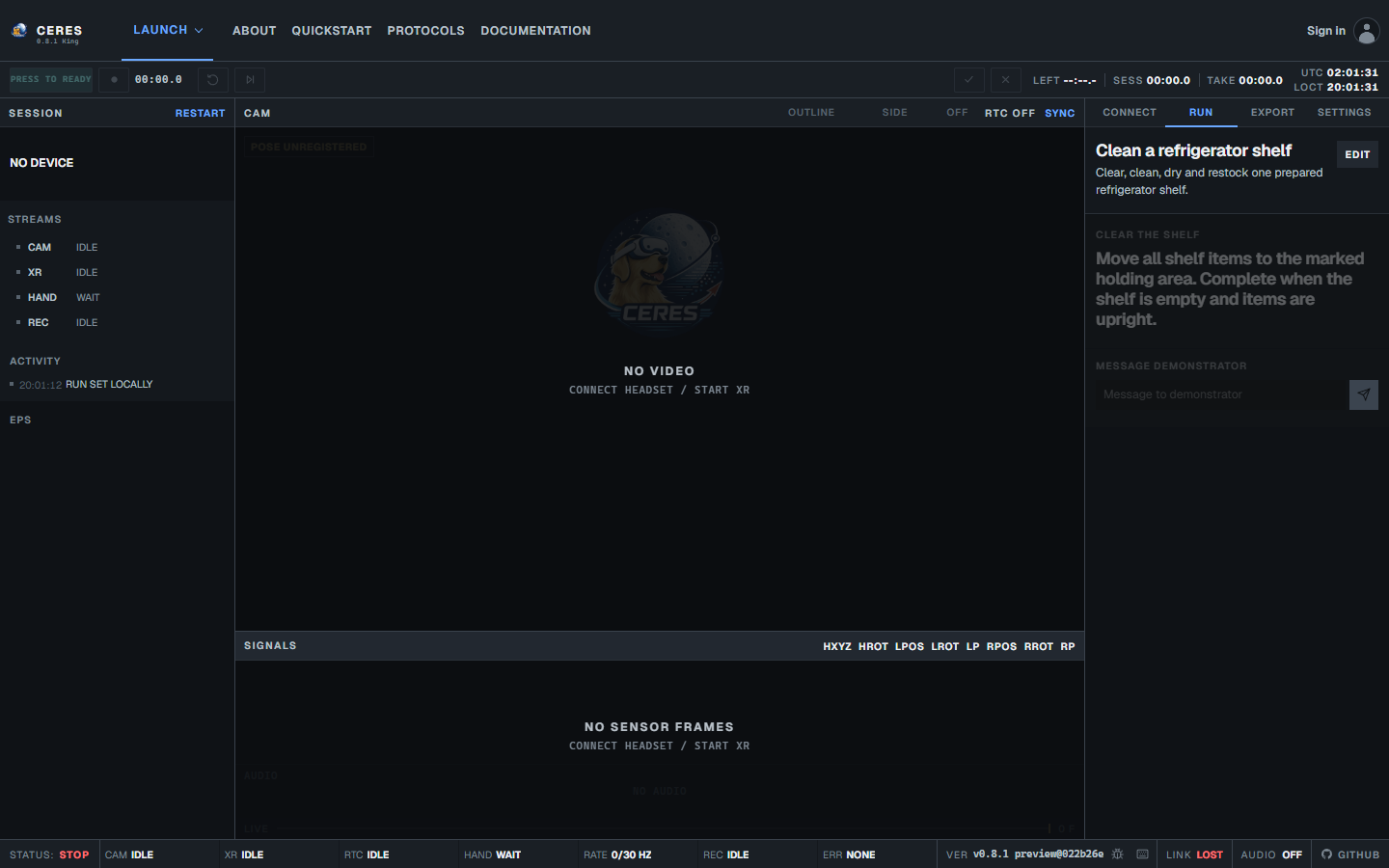
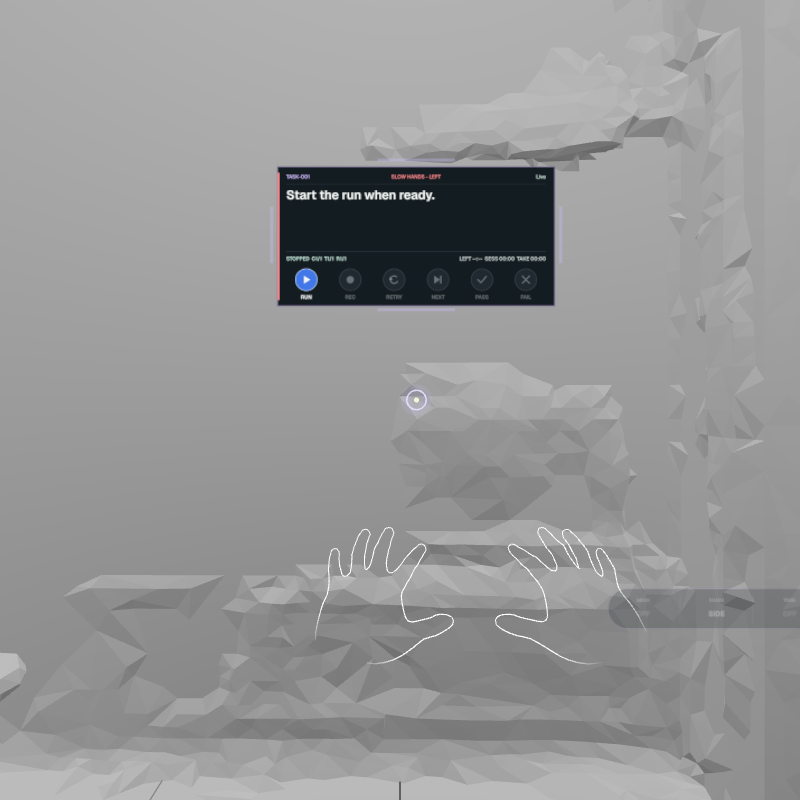
CERES turns a Quest headset and a browser into a directed research capture system. The capture director defines the protocol and watches data quality while the demonstrator follows task-by-task cues in the headset. Every accepted take keeps outward video, optional audio, head pose, hand tracking, task boundaries and explicit gaps aligned for export.
Roles
Demonstrator
Performs the task in the real world while wearing the headset.
Capture director
Plans the run, monitors capture health and reviews accepted takes.
Research workflow
DUET
Build the protocol you need.
From one simple task and one take to complex multistep sequences, CERES can accommodate repeatable, consistent study protocol designs of all types.
Simple tasks
Name the action, write the demonstrator cue, choose an open or timed task, then set repetitions and a reset window.
Task nameReach
Demonstrator cueReach to the target and hold.
Task typeOpen
Reps3
Reset window10 s
Use a timed task when duration is part of the protocol. Use an open task when the capture director decides when to advance.
Complex protocols
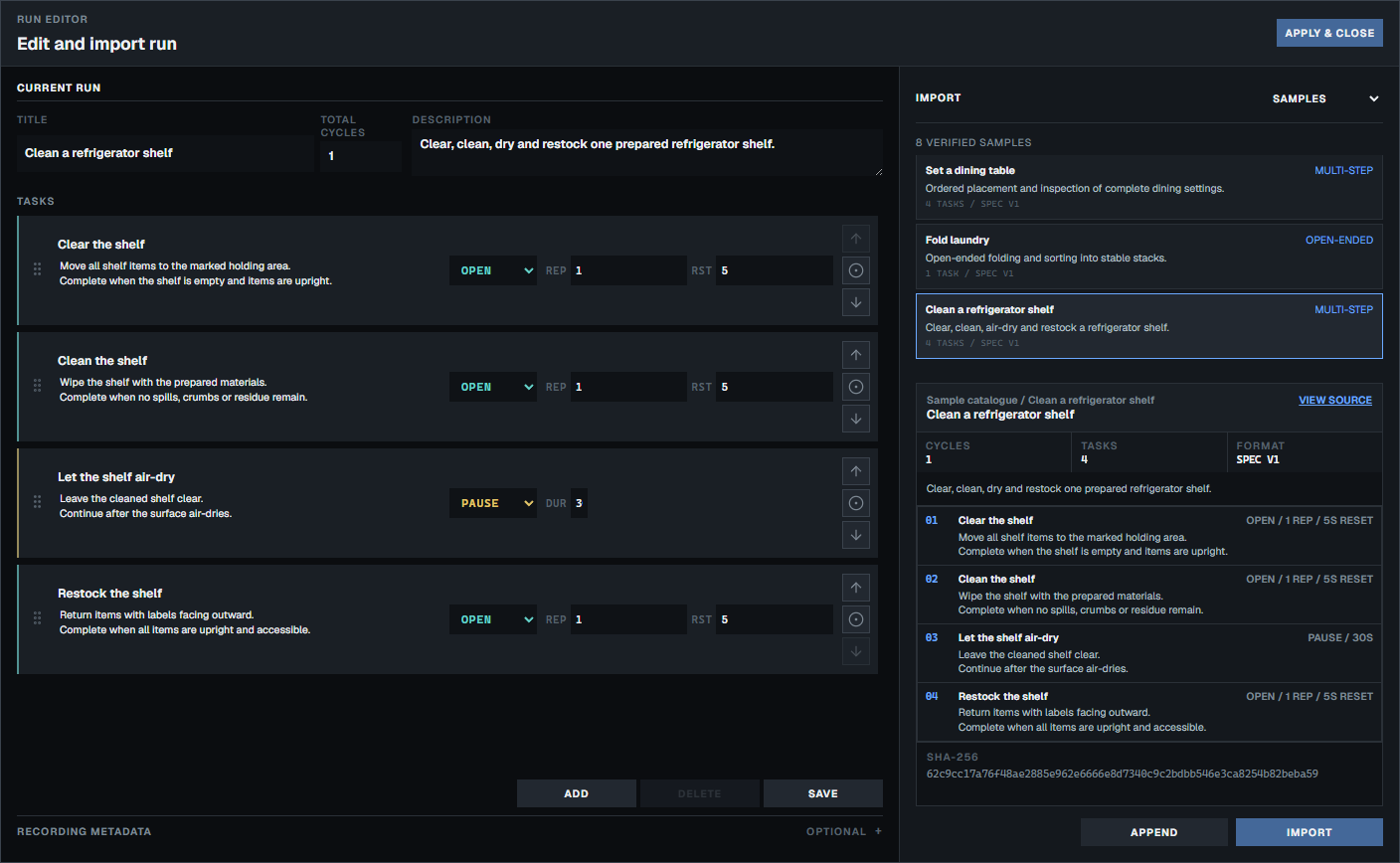
Set the run title, description and cycle count. Add, reorder and combine open tasks, timed tasks and pauses. Open and timed tasks can repeat with reset windows, while pauses use a fixed duration.
- 01OpenReach3 repetitions, 10 s reset
- 02TimedHold5 s, 1 repetition, 10 s reset
- 03OpenReturn3 repetitions, 10 s reset
- 04PauseReset position10 s
Drag steps or use Alt+Arrow Up and Alt+Arrow Down to reorder them in the capture director. Apply the configuration before starting the run.